| Marking Principle |
Uses a focused fiber laser beam to create permanent marks on the surface |
Uses a vibrating pin to strike dots into the material |
Sprays ink droplets onto the surface |
Uses chemicals to remove or discolor selected surface areas |
| Marking Contact |
Non-contact process |
Direct contact process |
Non-contact process |
Chemical contact process |
| Mark Permanence |
Very high; marks are resistant to wear, heat, and solvents |
High; marks are physically indented |
Medium; ink can fade, smear, or wear off |
High, depending on material and etching depth |
| Marking Precision |
Very high, suitable for small text, logos, QR codes, and serial numbers |
Medium; dot pattern limits fine detail |
Medium; affected by ink spread and surface condition |
High, but depends on mask quality and chemical control |
| Marking Speed |
Fast for most industrial marking tasks |
Medium |
Very fast for simple codes and dates |
Slower due to masking, chemical reaction, and cleaning |
| Surface Damage |
Low when parameters are correctly set |
Higher because the pin impacts the surface |
No surface damage |
May alter or weaken the surface if over-etched |
| Suitable Materials |
Metals, coated metals, some plastics, and hard industrial materials |
Mainly metals and hard plastics |
Paper, plastic, glass, metal, packaging films, and cartons |
Metals, glass, ceramics, and selected plastics |
| Best Marking Content |
Logos, barcodes, QR codes, serial numbers, model numbers, and traceability codes |
Serial numbers, VIN codes, part numbers, and simple text |
Expiry dates, batch numbers, packaging codes, and variable data |
Logos, labels, nameplates, patterns, and technical marks |
| Marking Resolution |
Excellent for fine graphics and small codes |
Lower resolution due to dotted characters |
Good for packaging, but lower than laser marking |
Good, but less flexible for variable data |
| Consumables |
No ink, needles, or chemicals required |
Marking pins wear over time |
Requires ink, solvent, and printhead maintenance |
Requires chemicals, masks, and neutralizing agents |
| Operating Cost |
Low long-term operating cost after equipment purchase |
Low to medium, mainly pin replacement and maintenance |
Ongoing ink, solvent, and maintenance cost |
Ongoing chemical, mask, cleaning, and waste treatment cost |
| Equipment Cost |
Higher initial investment |
Lower to medium |
Low to medium |
Low to medium depending on setup |
| Maintenance Needs |
Low; mainly lens cleaning and basic system checks |
Medium; pin, stylus, and mechanical parts need maintenance |
High; printheads can clog and ink systems need cleaning |
Medium to high due to chemical handling and bath control |
| Environmental Impact |
Clean process with little waste |
No chemical waste, but creates noise and vibration |
Produces ink cartridges, solvent waste, and VOC concerns |
Produces chemical waste and requires safe disposal |
| Automation Capability |
Excellent for production lines, robots, and rotary marking |
Good, but mechanical contact limits some applications |
Excellent for packaging and conveyor lines |
Limited; often requires multiple manual or semi-automatic steps |
| Marking On Curved Surfaces |
Good with rotary devices or correct focusing |
Possible, but contact pressure must be controlled |
Possible, but print quality depends on distance and surface shape |
Difficult unless special masks and fixtures are used |
| Durability In Harsh Conditions |
Excellent for heat, abrasion, chemicals, and outdoor exposure |
Good, especially on metal parts |
Poor to medium, depending on ink type and surface |
Good if the etch is deep and well controlled |
| Worker Safety |
Requires laser safety enclosure, glasses, and fume extraction |
Requires protection from noise, vibration, and moving parts |
Requires safe handling of ink and solvents |
Requires chemical protection, ventilation, and waste control |
| Post-Marking Treatment |
Usually no drying, curing, or cleaning required |
Usually no post-treatment needed |
May require drying or curing time |
Requires rinsing, neutralizing, and cleaning |
| Best Application Scenarios |
Industrial traceability, metal parts, tools, electronics, automotive parts, medical devices, and high-value components |
Heavy-duty parts, automotive VINs, metal tags, and parts needing deep mechanical marks |
Packaging lines, food labels, bottles, cartons, and date coding |
Decorative etching, nameplates, panels, and controlled surface engraving |



















4 reviews for Desktop Fiber Laser Marking Machine
Kevin –
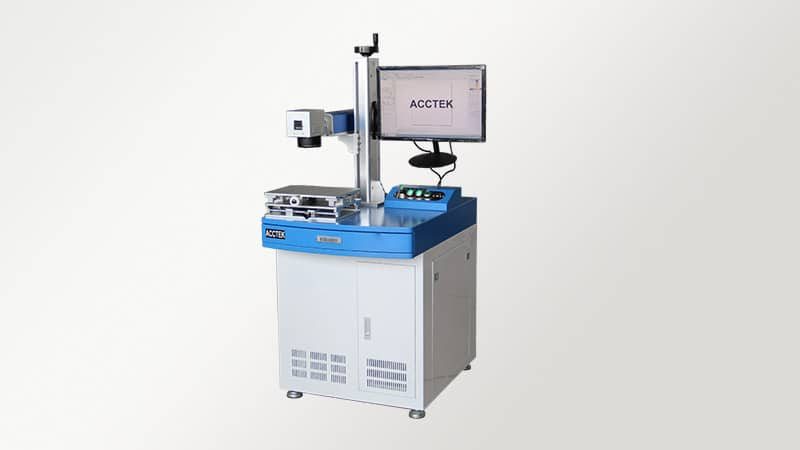
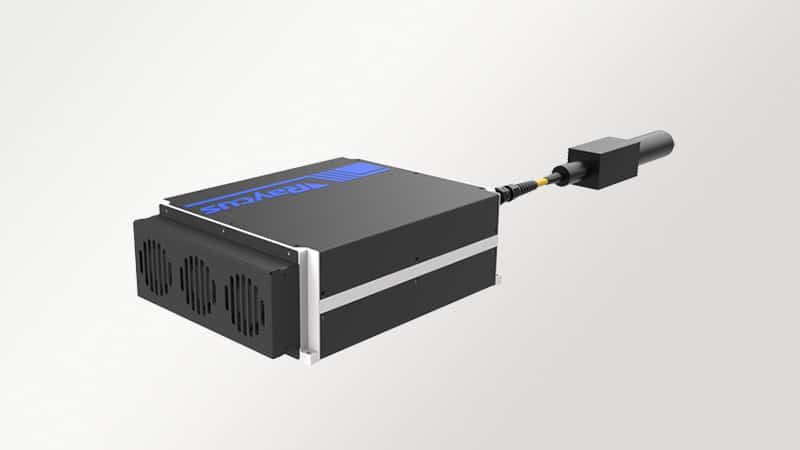
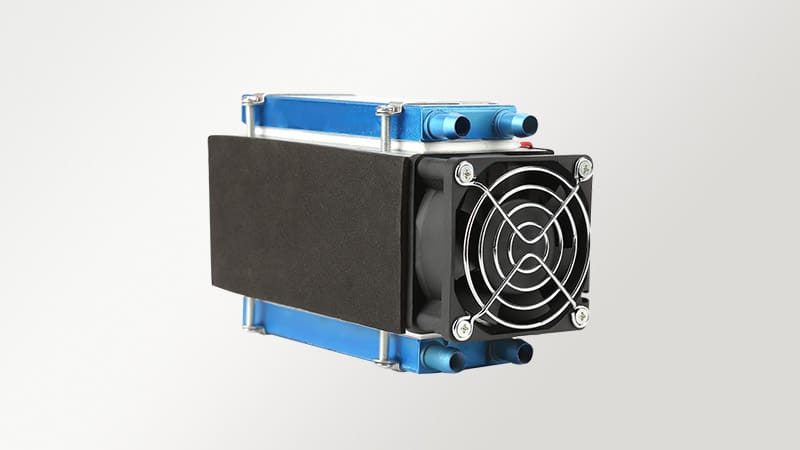
What stands out to me is how low-maintenance this machine is. The laser source is stable, and we haven’t needed to make many adjustments since installation. The air cooling system does a good job of keeping temperatures steady, even during extended use. I also like the straightforward layout because it makes routine checks easy. There are fewer parts to worry about compared to older marking equipment. The safety interlock works as expected, which is important in our environment. Overall, it’s a solid machine that doesn’t demand much attention but keeps performing well.
Sofia –
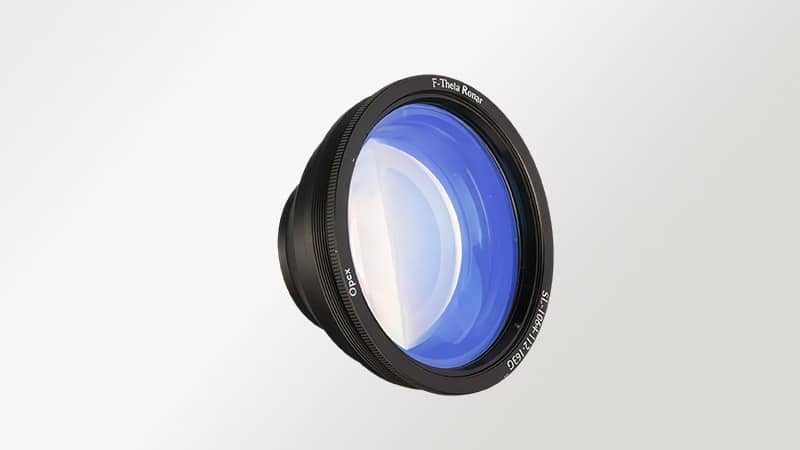
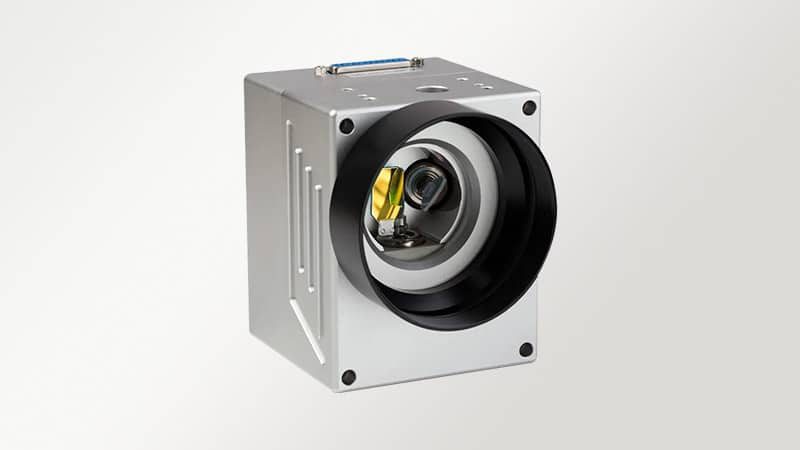
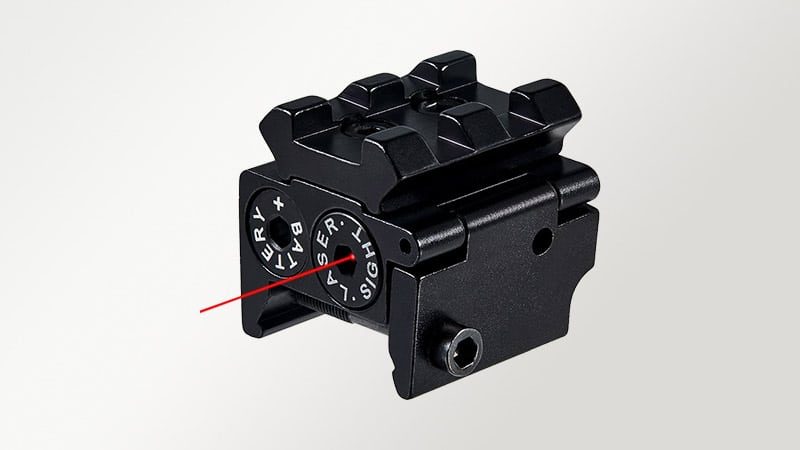
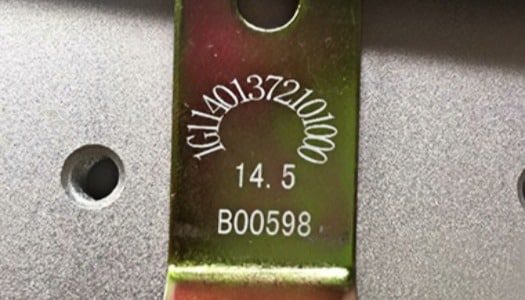
I use the machine mainly for marking serial numbers and inspection codes, and the precision has been very dependable. The field lens keeps everything sharp across the entire marking area, which is important for our standards. I also like the red dot feature because it makes alignment quick and reduces mistakes. The marks come out clear and readable every time. We’ve had fewer rejected parts since we started using it. It also requires very little maintenance compared to the older systems we used before. It feels like a well-thought-out design that supports consistent quality without adding extra work.
Daniel –
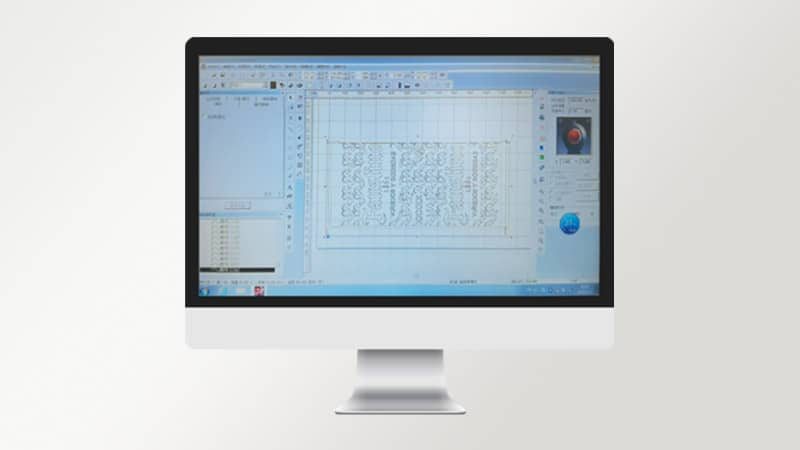
We added laser marking machines to our workshop earlier this year, and they quickly became part of our daily workflow. The compact desktop setup fits well on our workbench and doesn’t require much installation time. I appreciate how stable the marking quality is, even during long runs. The beam stays consistent, and the results are clean on both metal and coated parts. The control system is easy to learn, so new staff can get started without much trouble. It also runs quietly and doesn’t overheat, which helps in our small space. Overall, it’s a reliable tool that does exactly what we need.
Aisha –
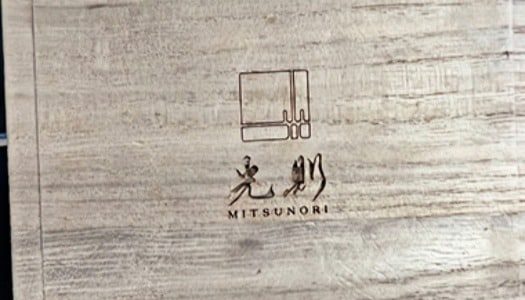
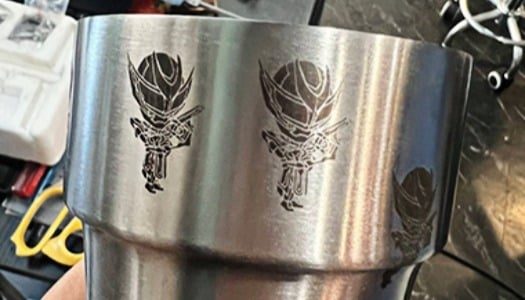
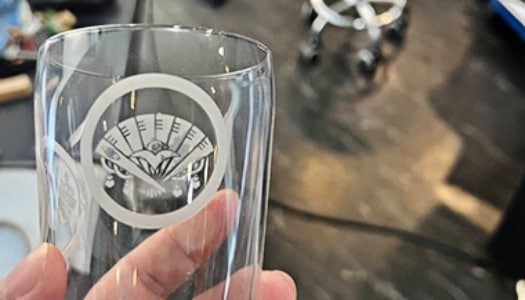
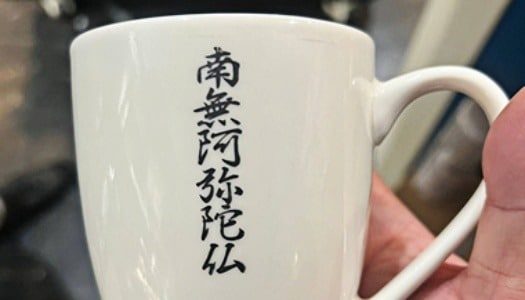
From a design point of view, I value accuracy and clean detail, and this machine delivers both. I use it to mark logos and fine patterns, and the results are very consistent. The beam quality is sharp, and even small text comes out clearly. The software is simple enough that I can adjust settings without needing technical help. I also appreciate the safety features. Knowing the system stops when opened gives peace of mind in a shared workspace. It’s a practical tool that supports creative work without slowing down the process or adding complications.