| Marking Principle |
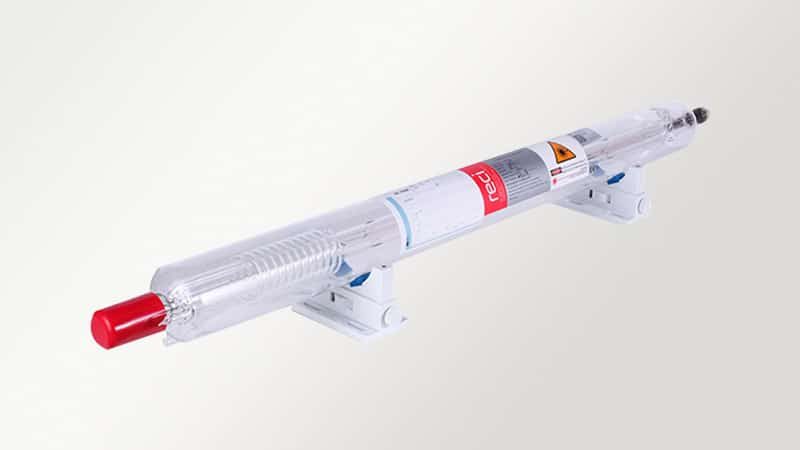
Uses a CO2 laser beam to mark, engrave, cut, or discolor non-metallic surfaces |
Uses a vibrating pin to strike dots into the material surface |
Sprays ink droplets onto the surface |
Uses chemicals to remove or discolor selected surface areas |
| Marking Contact |
Non-contact process |
Direct contact process |
Non-contact process |
Chemical contact process |
| Best Material Fit |
Wood, acrylic, glass, leather, paper, rubber, fabric, plastic, and packaging materials |
Mainly metals and some hard plastics |
Paper, plastic, glass, metal, films, cartons, and bottles |
Metals, glass, ceramics, and selected plastics |
| Metal Marking Ability |
Limited on bare metals; usually needs coating or special treatment |
Good for many metal parts |
Possible with suitable ink, but may lack durability |
Good on many metals with proper chemicals |
| Non-Metal Marking Ability |
Excellent for organic and non-metal materials |
Limited |
Good for packaging and labels |
Depends on chemical compatibility |
| Mark Permanence |
High; marks are usually resistant to wear, water, and solvents |
High because marks are physically indented |
Medium; ink can fade, smear, or wear off |
High if the etching depth is well controlled |
| Marking Precision |
High for logos, text, barcodes, patterns, and decorative marks |
Medium; dotted characters limit fine detail |
Medium; affected by ink spread and surface condition |
High, but depends on mask quality and chemical control |
| Marking Speed |
Fast for most coding, engraving, and packaging applications |
Medium |
Very fast for simple date codes and batch numbers |
Slower due to masking, chemical reaction, rinsing, and drying |
| Surface Damage |
Low to medium; laser energy may slightly burn, melt, or engrave the surface |
Higher due to mechanical impact |
No mechanical surface damage |
May corrode, stain, or weaken the surface if over-etched |
| Consumables |
No ink, pins, or chemical media required |
Marking pins wear over time |
Requires ink, solvent, and printhead maintenance |
Requires chemicals, masks, neutralizers, and cleaning materials |
| Operating Cost |
Low long-term cost after equipment purchase |
Low to medium, mainly pin replacement and maintenance |
Ongoing ink, solvent, cartridge, and maintenance cost |
Ongoing chemical, mask, cleaning, and waste treatment cost |
| Equipment Cost |
Medium to high depending on laser power and marking area |
Lower to medium |
Low to medium |
Low to medium depending on setup |
| Maintenance Needs |
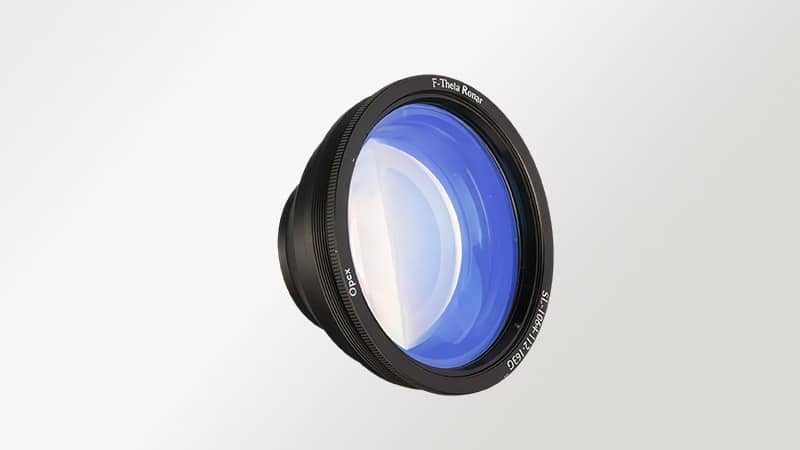
Low; mainly lens cleaning, dust control, and exhaust system checks |
Medium; pin, stylus, and moving parts need maintenance |
High; printheads can clog and ink systems need cleaning |
Medium to high due to chemical bath control and safety management |
| Environmental Impact |
Cleaner process with little waste, but smoke extraction may be needed |
No chemical waste, but creates noise and vibration |
Produces ink waste, solvent waste, and possible VOC emissions |
Produces chemical waste and requires controlled disposal |
| Automation Capability |
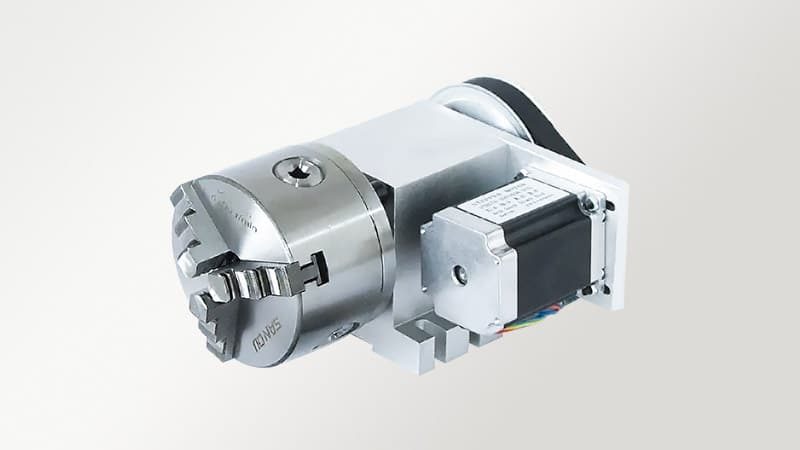
Excellent for conveyors, packaging lines, rotary marking, and production cells |
Good, but contact marking limits flexibility |
Excellent for high-speed packaging conveyors |
Limited; often needs manual or semi-automatic masking and rinsing |
| Curved Surface Marking |
Good with rotary devices and proper focusing |
Possible, but contact pressure must be controlled |
Possible, but print quality depends on distance and surface shape |
Difficult unless special masks and fixtures are used |
| Marking Detail |
Excellent for fine graphics, serial numbers, QR codes, and decorative patterns |
Better for simple text and numbers |
Good for simple variable codes, less ideal for fine engraving |
Good for fixed patterns, less flexible for variable data |
| Worker Safety |
Requires laser protection, fume extraction, and proper machine enclosure |
Requires protection from noise, vibration, and moving parts |
Requires safe handling of ink and solvents |
Requires chemical protection, ventilation, and waste control |
| Post-Marking Treatment |
Usually no drying, curing, rinsing, or chemical cleaning required |
Usually no post-treatment needed |
May require drying or curing time |
Requires rinsing, neutralizing, cleaning, and drying |
| Best Application Scenarios |
Packaging, wood products, acrylic signs, leather goods, glass marking, rubber products, paper cards, labels, and plastic parts |
Metal tags, VIN codes, heavy-duty parts, and industrial nameplates |
Food packaging, bottles, cartons, films, cables, and date coding |
Decorative etching, nameplates, panels, signs, glass patterns, and controlled surface engraving |

















4 reviews for Large Area Fully Enclosed CO2 Laser Marking Machine
Ava –
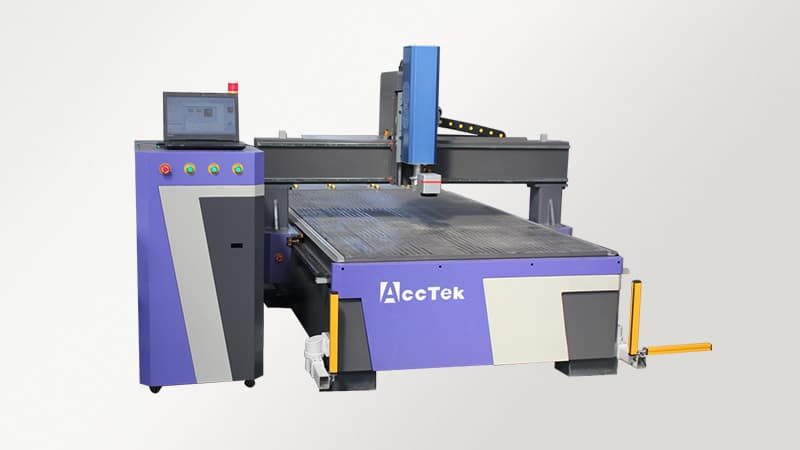
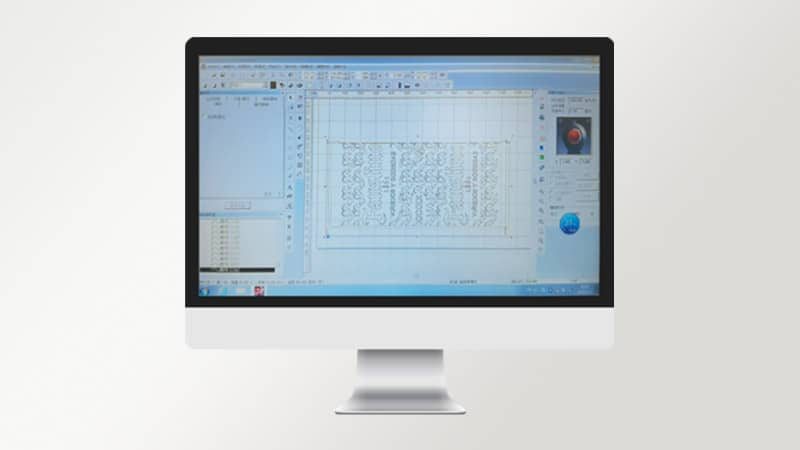
I’ve been using laser marking systems for marking acrylic sheets, and it performs really well. The marks are clean and clear, with no rough edges. The enclosed setup makes the work area safer and keeps fumes under control, which is important in our shop. The large working area allows me to handle bigger sheets without needing to reposition them often. The control system is simple to use, and I can adjust settings quickly depending on the job. It’s a reliable machine that helps me maintain good quality while working at a steady pace.
Jordan –
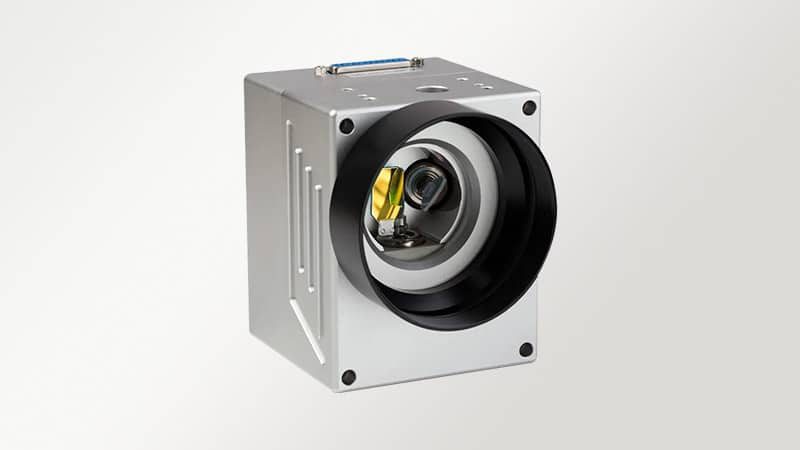
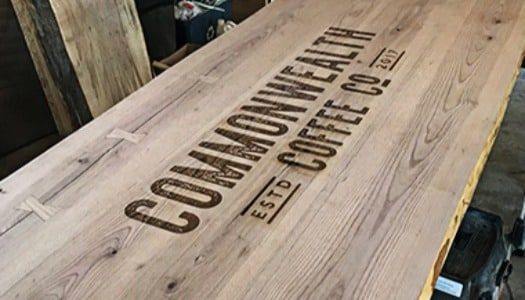
Running a signage business means working with different materials like wood and plastic, and this machine handles them well. The laser produces clean engraving results, especially on larger signs. I appreciate the enclosed design because it keeps the workspace cleaner and safer. The marking speed is good, and the galvanometer keeps everything precise. It doesn’t take long to set up new jobs, which helps keep things moving. Maintenance has also been minimal so far. It’s a practical machine that fits well into daily production and helps us meet customer deadlines.
Lily –
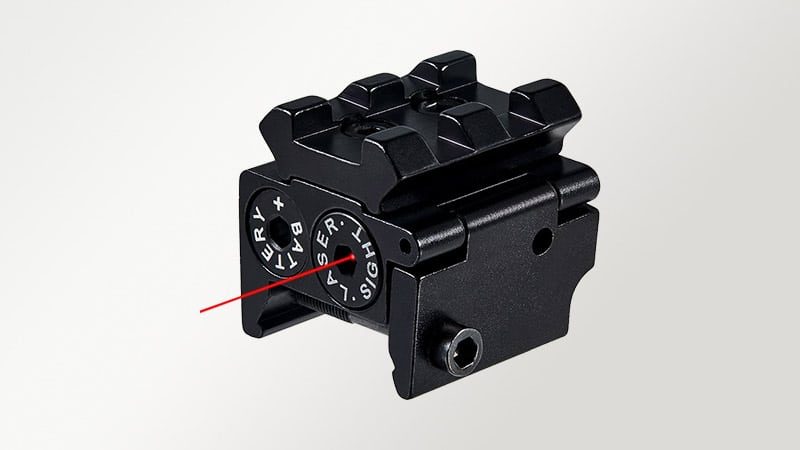
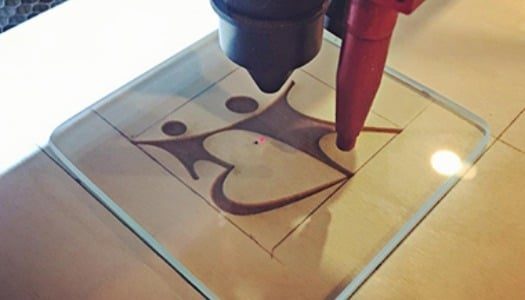
I mainly use the machine for marking designs on glass, and the results have been very satisfying. The laser creates smooth and even marks without damaging the surface. The enclosed structure makes me feel safer during operation, and it keeps the environment stable. I also find the red dot feature useful for placing designs accurately. The system is easy to understand, so I didn’t need much training. It runs quietly and consistently, even during longer sessions. It has made my work more efficient and helped me produce better quality pieces.
Nathan –
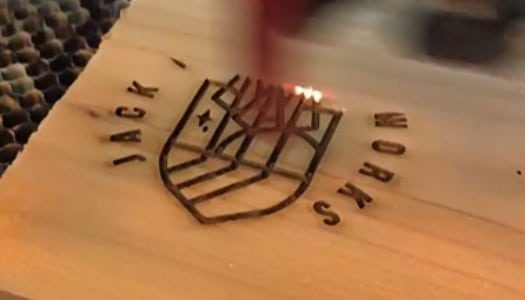
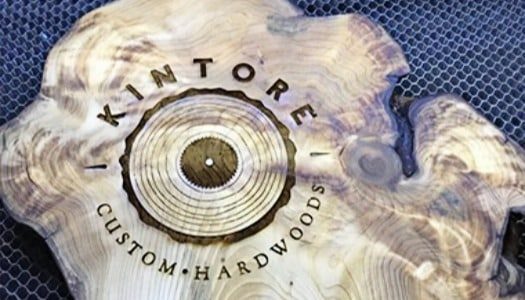
We use laser marking machines for engraving wooden panels, and the results have been very consistent. The large enclosed design is helpful because we often work with bigger pieces, and it keeps everything contained. The engraving comes out smooth, with clean edges and no burning marks beyond the design. The machine runs steadily even during long production hours. I also like how easy it is to operate, since my team picked it up quickly. The red dot positioning helps with alignment, which saves time. It has improved both our efficiency and the overall quality of our finished products.